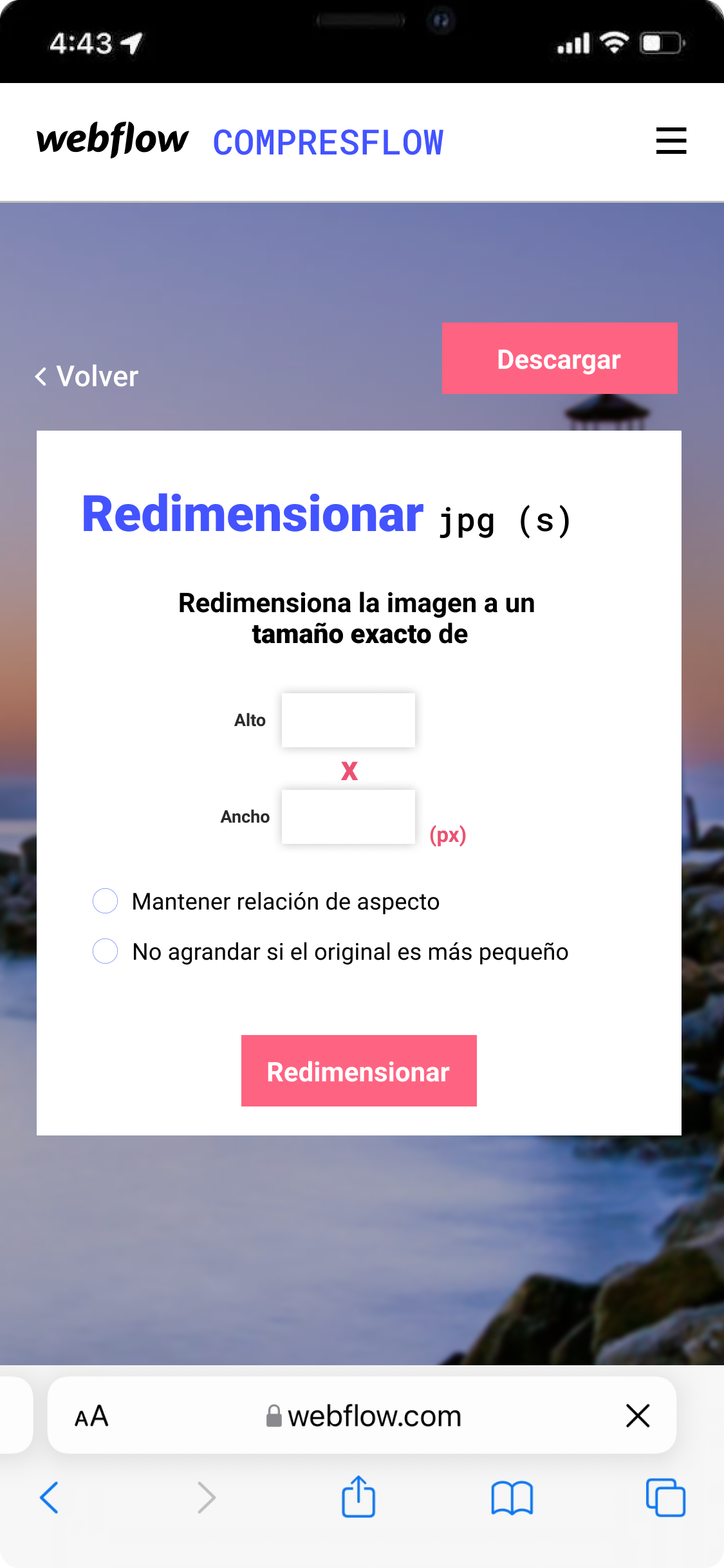
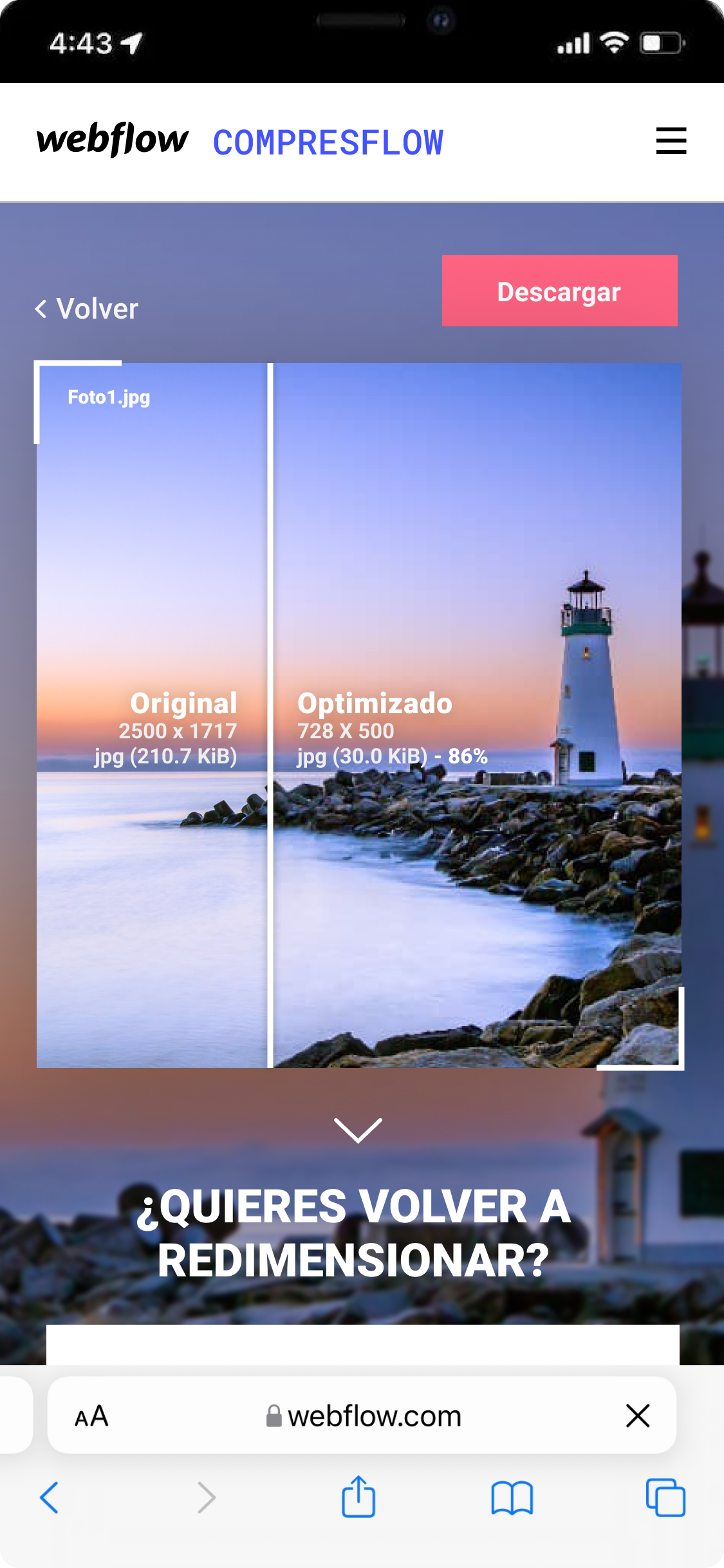
Image optimization for a faster Webflow
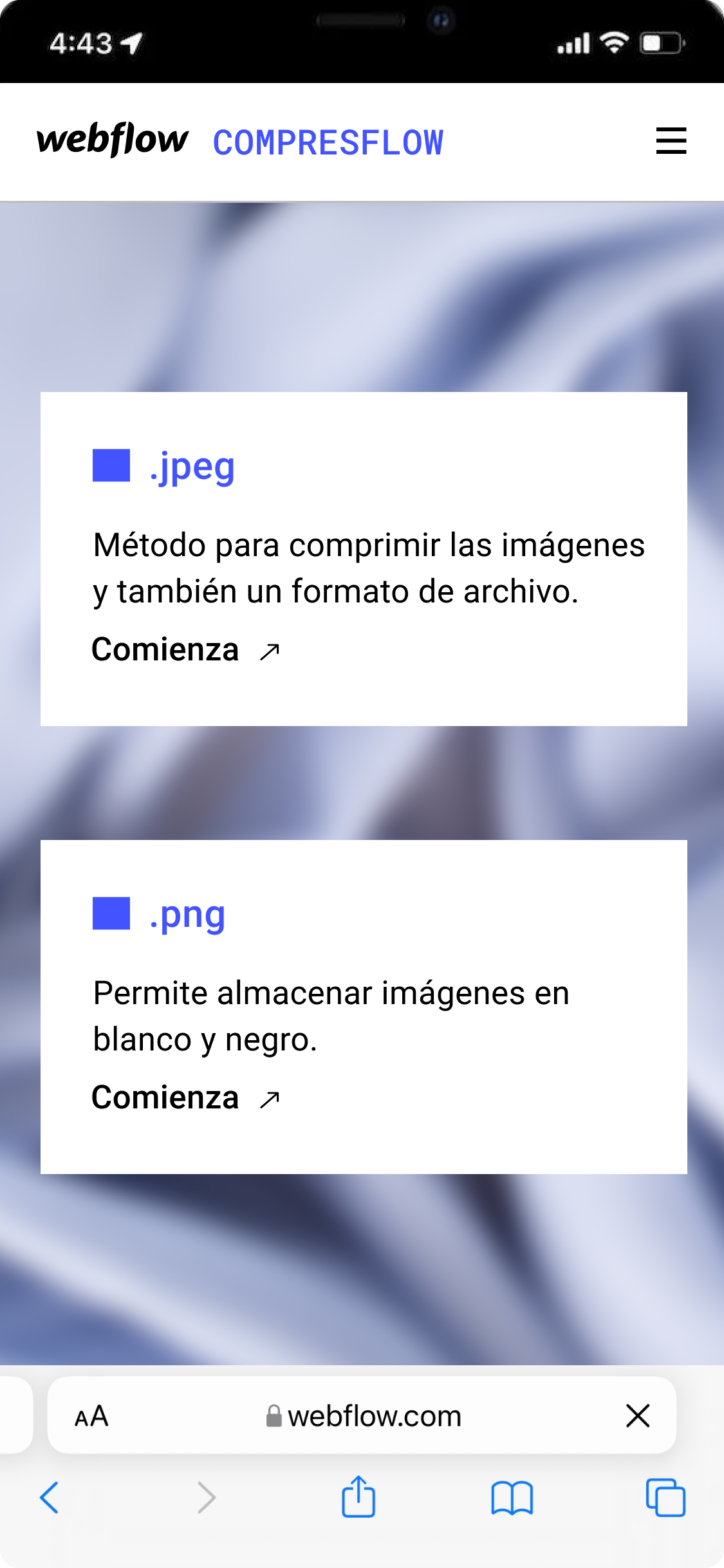
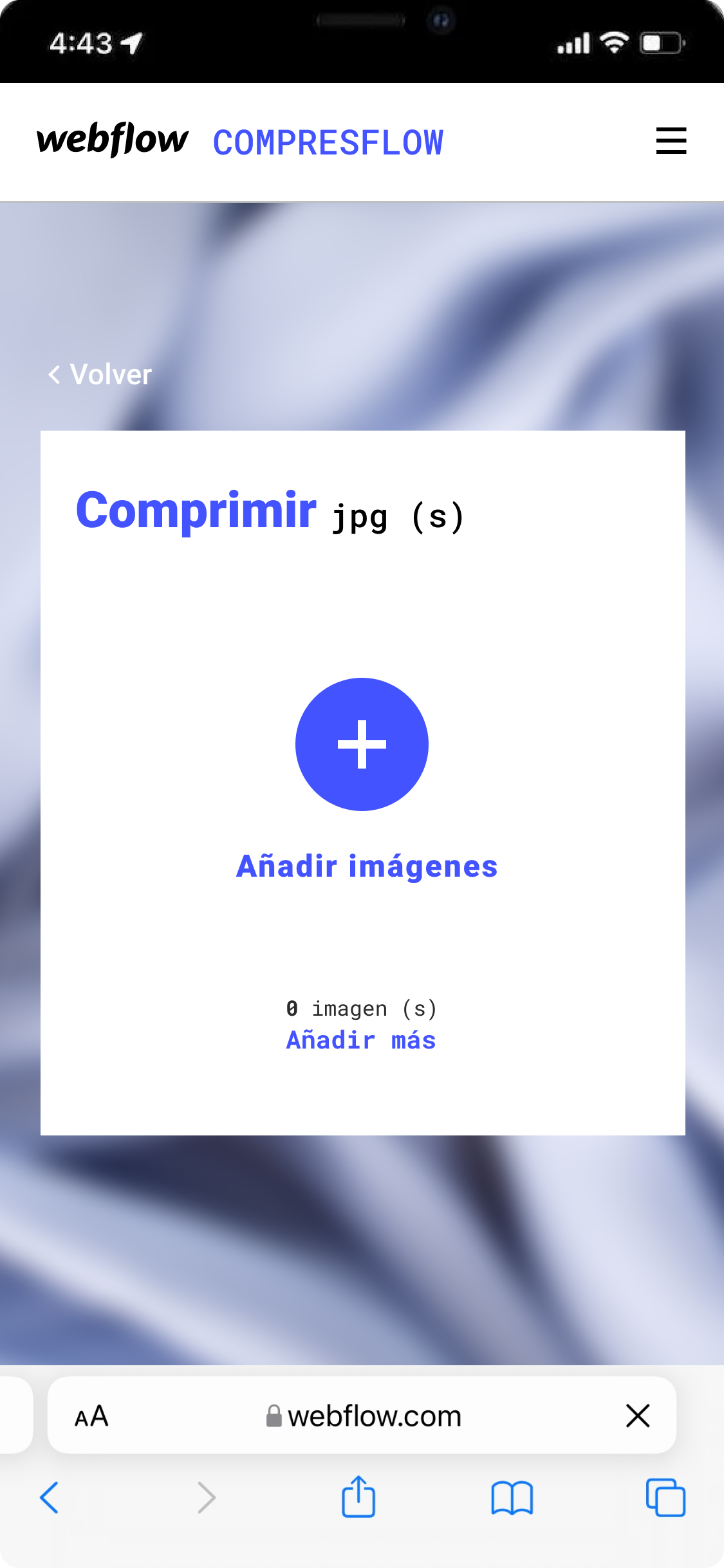
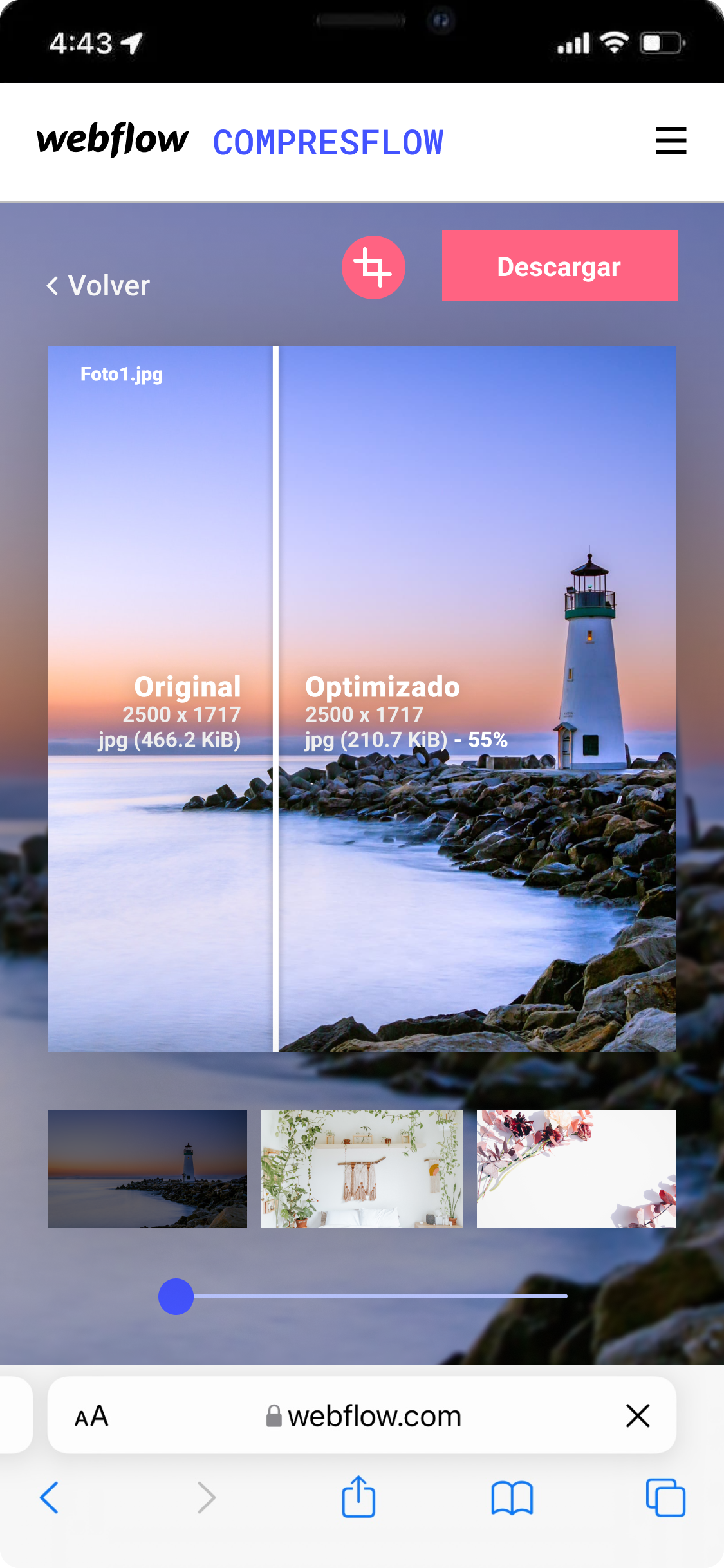
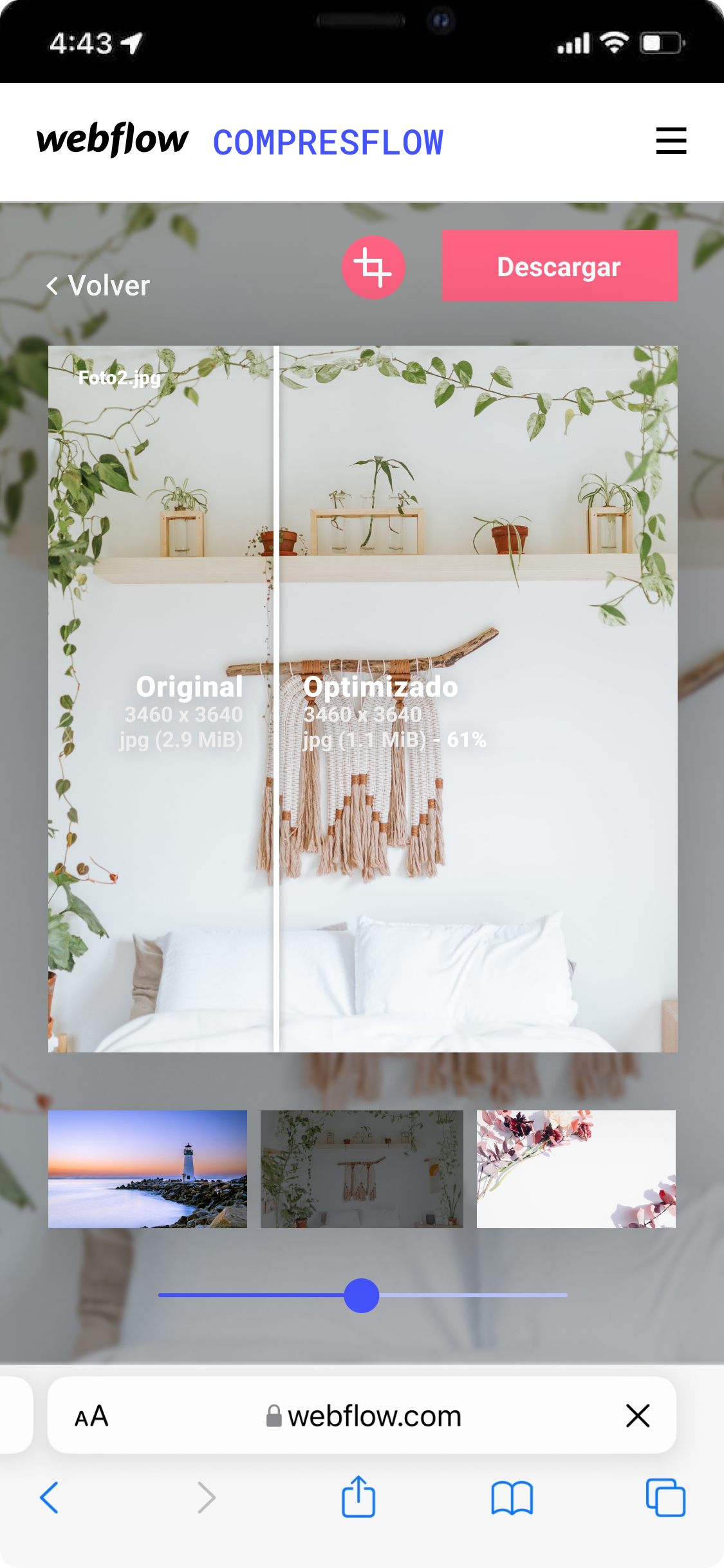
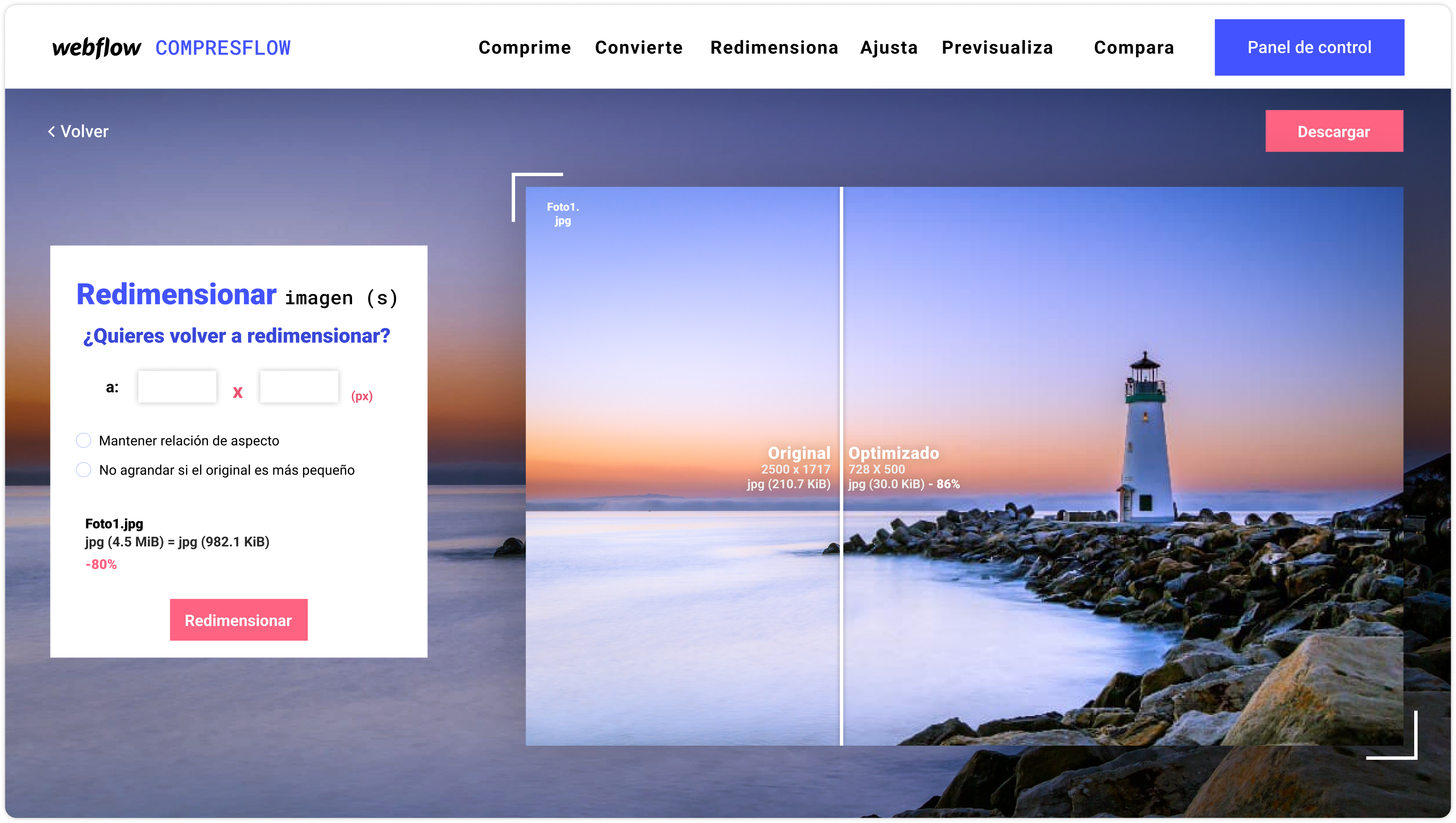
CompressFlow is a powerful tool within the Webflow ecosystem, built to enhance and streamline web design processes. With an intuitive interface and robust functionality, it lets users convert, compress and resize images efficiently.
01 — Problem & solution
From friction to flow
Problem
Large images and manual optimizations slow down sites and create inconsistent visual results across devices.
Solution
CompressFlow automates conversion, resizing and quality tuning with a single, predictable workflow, saving time and improving performance.
02 — Process
User-centered design process
Design Thinking methodology to ensure the solution addressed real user problems.
Discovery
Analysis of current Webflow metrics and interviews to identify friction points.
Definition
Empathy maps and user journeys to ideate user-centered solutions.
Design & prototyping
Development of a design system and interactive prototypes for usability testing.
Validation
Usability tests with the prototype, iterating based on the results.